Per-tab CSV exports on the Recommendations page
Each tab on the Recommendations page now has its own "Export this page" (instant CSV) and "Export all" buttons. Big datasets queue a background job and land in Downloads instead of choking your browser.
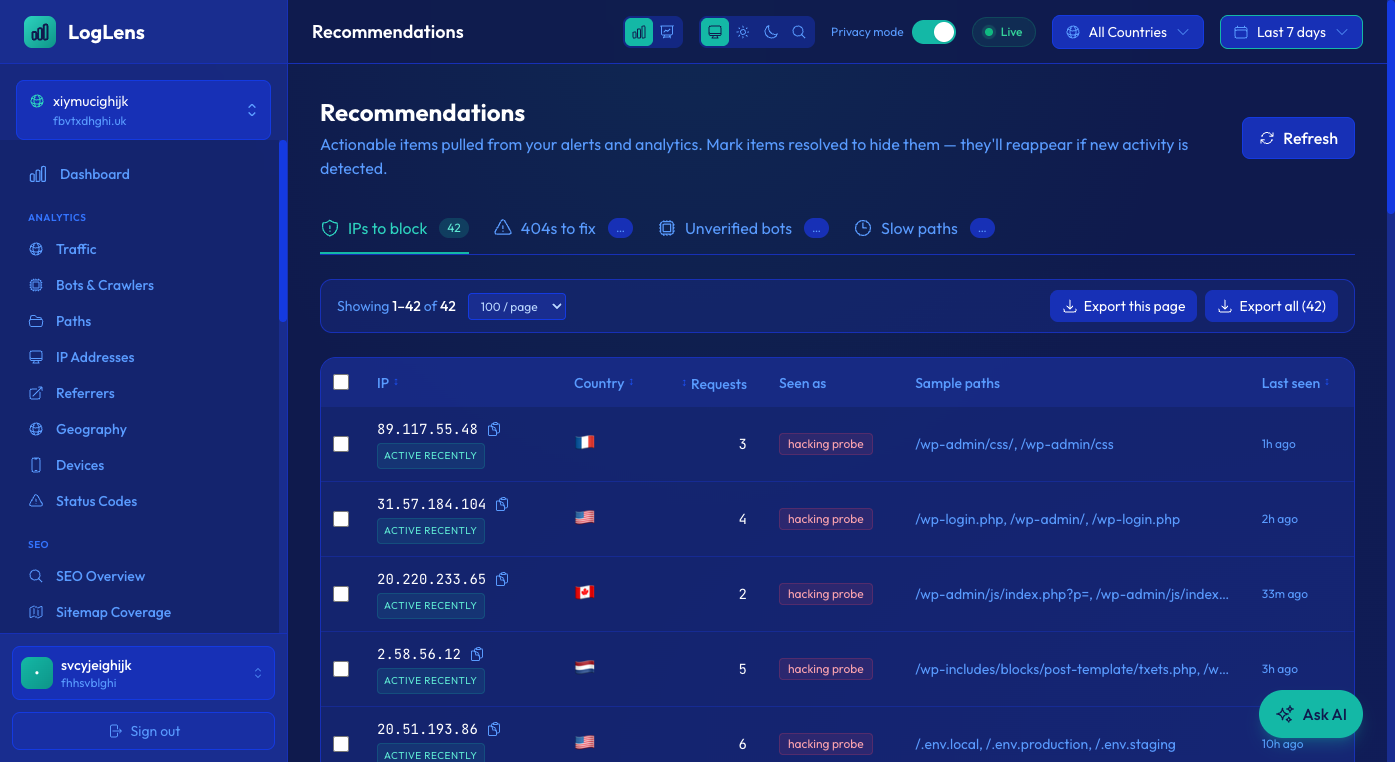
The Recommendations page surfaces what to act on next: IPs to block, 404s to fix, unverified bots to investigate, slow paths to speed up. Until now the only way to take that data anywhere else was copy-paste.
Every tab now has two export buttons in its toolbar:
- Export this page — downloads the current page slice as a CSV instantly. Perfect for handing one screenful to a teammate or pasting into a WAF block list.
- Export all — for tabs with more than a few hundred rows, this fires off a background job that re-runs the same Athena query the table is built from, gzips the result and drops it in your Downloads page. The IPs tab stays instant because it's bounded; the others (404s, Unverified bots, Slow paths) can hit thousands of rows so the worker handles those.
Filenames include the active site's domain so you can tell exports apart when you work across multiple sites in one session.
← Recommendations now respect the page time picker and explain empty statesWe launched a public changelog →
← All changelog entries